Samsung T7 Shield vs. SanDisk Extreme Pro vs. WD My Passport SSD: 2TB Compared
Summary
The Samsung T7 Shield is best for rugged use, the SanDisk Extreme Pro for top performance, and the WD My Passport SSD for budget buyers. Choose based on durability needs and price.
Samsung T7 Shield vs. The Competition: Choosing Your Portable SSD
For anyone needing fast, reliable external storage, portable SSDs have become the default choice. The market is crowded, but three models consistently rise to the top: the Samsung T7 Shield, the SanDisk Extreme Pro, and the WD My Passport SSD. This comparison focuses on the 2TB variants, examining their performance, durability, and value to determine which drive best suits different user needs, from photographers and gamers to professionals on the move.
Feature-by-Feature Breakdown
While all three drives offer high-speed USB 3.2 Gen 2 performance, their designs and protective features differ significantly. The core specifications set the stage, but the details define the user experience.
- Design & Durability: The Samsung T7 Shield is defined by its rubberized, textured coating, offering IP65-rated dust and water resistance. It's also rated for a 3-meter drop resistance. The SanDisk Extreme Pro features a silicone-coated, IP55-rated shell for water and dust resistance and can survive 2-meter drops. The WD My Passport SSD has a more minimalist metal design but lacks any official IP rating for water or dust, though it is shock-resistant.
- Interface & Speed: All three drives use a USB 3.2 Gen 2 (10Gbps) interface via USB-C. Samsung and SanDisk advertise sequential read/write speeds up to 1,050 MB/s and 1,000 MB/s, respectively. WD advertises read speeds up to 1,050 MB/s. Real-world performance is often comparable, though controller and NAND quality can affect sustained writes.
- Security: The Samsung T7 Shield and SanDisk Extreme Pro offer optional hardware encryption with password protection (AES 256-bit). The WD My Passport SSD relies on optional software encryption bundled with the drive.
- Included Accessories: All drives include a USB-C to C cable. The Samsung and SanDisk also include a USB-C to A cable in the box, while WD typically includes only a C-to-C cable, which may require an adapter for older ports.
Pricing and Value Proposition
Pricing fluctuates, but a general hierarchy exists. The SanDisk Extreme Pro typically commands a premium for its performance brand. The Samsung T7 Shield is often positioned as a mid-range option with premium durability features. The WD My Passport SSD is frequently the most budget-friendly of the three.
For the 2TB capacity (prices are approximate street prices):
- Samsung T7 Shield (2TB): Often priced between $150 and $180. It balances cost with high durability.
- SanDisk Extreme Pro (2TB): Usually the most expensive, ranging from $170 to $220.
- WD My Passport SSD (2TB): Generally the least expensive, found between $140 and $170.
Sales can alter this order, but the value proposition remains clear: pay less for basic speed with WD, a moderate price for maximum ruggedness with Samsung, or a premium for the SanDisk performance pedigree.
Performance and Real-World Use Cases
In benchmark tests, the differences in sequential read/write speeds are often marginal for most users. The more critical factors are thermal performance during sustained transfers, software experience, and physical robustness for specific activities.
- For Photographers & Videographers: Moving large RAW files or 4K/8K video requires sustained performance. The SanDisk Extreme Pro and Samsung T7 Shield are excellent here, with the T7 Shield's thermal management being a strong point. Their hardware encryption also secures sensitive client work. The WD drive is capable but may throttle more under constant, heavy loads.
- For Gaming Storage: Using these drives for console (PS5, Xbox) or PC game libraries demands fast load times. All three work well, but the included cables are key. The PS5, for example, requires a USB-A to C cable, which is included with Samsung and SanDisk but not necessarily with WD, adding a minor extra step and cost.
- For Everyday Backups & Mobility: For general file storage and system backups, any of these drives is overkill but reliable. The WD My Passport SSD offers a sleek, simple solution. If the drive will be tossed in a bag or used in unpredictable environments, the Samsung T7 Shield's superior IP65 rating provides greater peace of mind.
Choose the Samsung T7 Shield if...
Your priority is durability above all else. If you work outdoors, on construction sites, or in environments with dust, rain, or the potential for drops, the T7 Shield's IP65 rating and rugged coating are the best defense. It's also the most balanced choice for users who want near-top-tier performance, robust security, and strong thermal management without paying the absolute highest price.
Choose the SanDisk Extreme Pro if...
You trust the established performance leader brand and are less concerned with the highest possible ingress protection. It's a fantastic all-rounder with a proven track record, excellent speeds, and solid IP55 protection. Professionals who prioritize the SanDisk name and consistently need every last megabyte of performance in varied conditions will be satisfied.
Choose the WD My Passport SSD if...
Budget is your primary concern and your use case is predominantly indoor or controlled environments. It delivers the essential speed benefit of an SSD over a hard drive in a reliable, sleek package. For students, home users, or anyone who needs fast, high-capacity storage for backups and media without the extra cost for ruggedizing features, it represents strong value.
The Samsung T7 Shield emerges as the most versatile and protective option for active users, justifying its price with best-in-class ruggedness. The SanDisk Extreme Pro remains a premium benchmark for pure performance seekers. The WD My Passport SSD is the sensible, cost-effective entry point to high-speed portable storage. Your specific environment and budget will point clearly to the winner for your needs.
Related Articles
Fedora fixes network issues on Minisforum MS-R1 ARM server
The author wanted an affordable, powerful ARM server for their homelab. They chose the Minisforum MS-R1, installing Fedora because it supported the NIC drivers, unlike Rocky Linux. While not perfect, it works well as an ARM hypervisor, fulfilling their long-standing goal without Mac-level pricing.
Nothing Headphone (1) hits record low price of $239 at Amazon
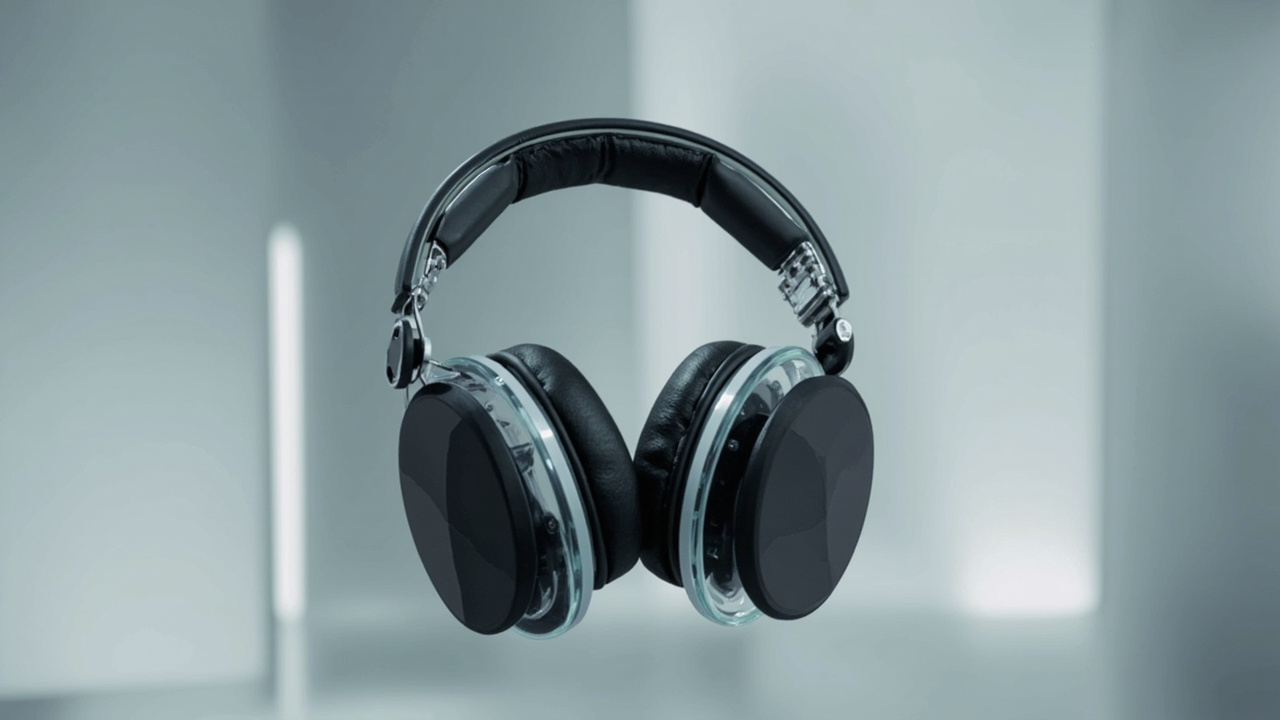
Nothing Headphone (1) is at its lowest price ever: $239 (down from $299). These over-ear headphones feature transparent design, hybrid ANC, 40mm drivers, and up to 80 hours of battery.
Stay in the loop
Get the best AI-curated news delivered to your inbox. No spam, unsubscribe anytime.